
Share your builds
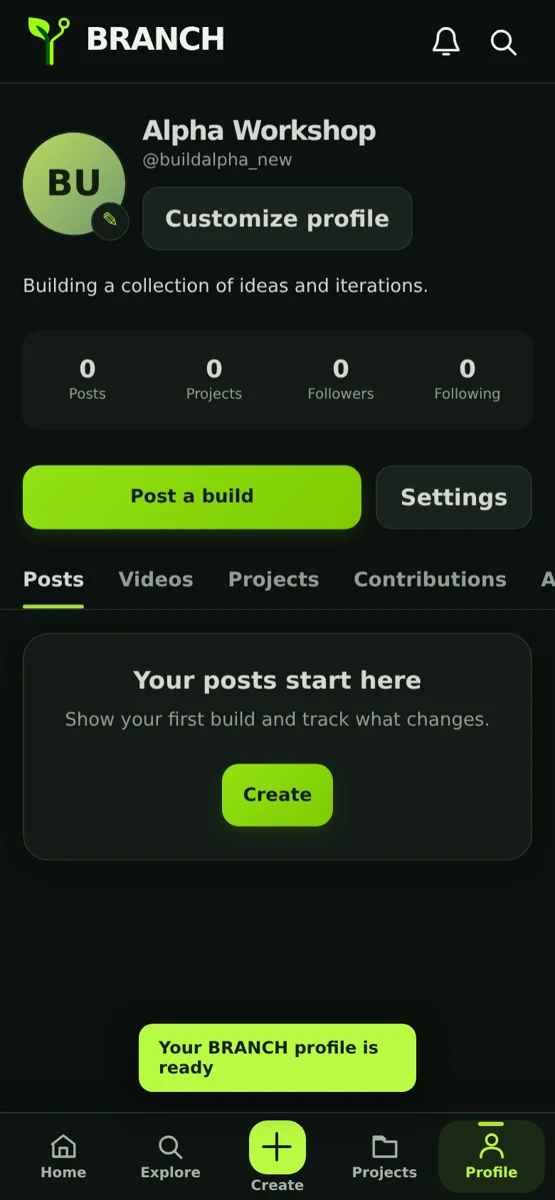
Upload photos, videos, and progress updates. The story behind your work matters.
PhotosVideosUpdates
Show what you're building, find people who get it, and turn your next idea into something real. A place for the curious, the creative, and the hands-on.
MAKE, SHARE, REPEAT
BRANCH is designed for projects in progress, not just the perfect finished result. Share what works, ask questions, and keep learning.
Upload photos, videos, and progress updates. The story behind your work matters.
Collect the little wins, track iterations, and watch an idea become a real thing.
Discover makers into robotics, coding, electronics, 3D printing and more.
Like, comment, follow and ask for feedback. Useful conversations make better builds.
A HOME FOR EVERY STAGE
Every build starts somewhere. BRANCH gives experiments, prototypes, finished inventions and the people behind them a place to belong.
YOUR NEXT BUILD STARTS HERE
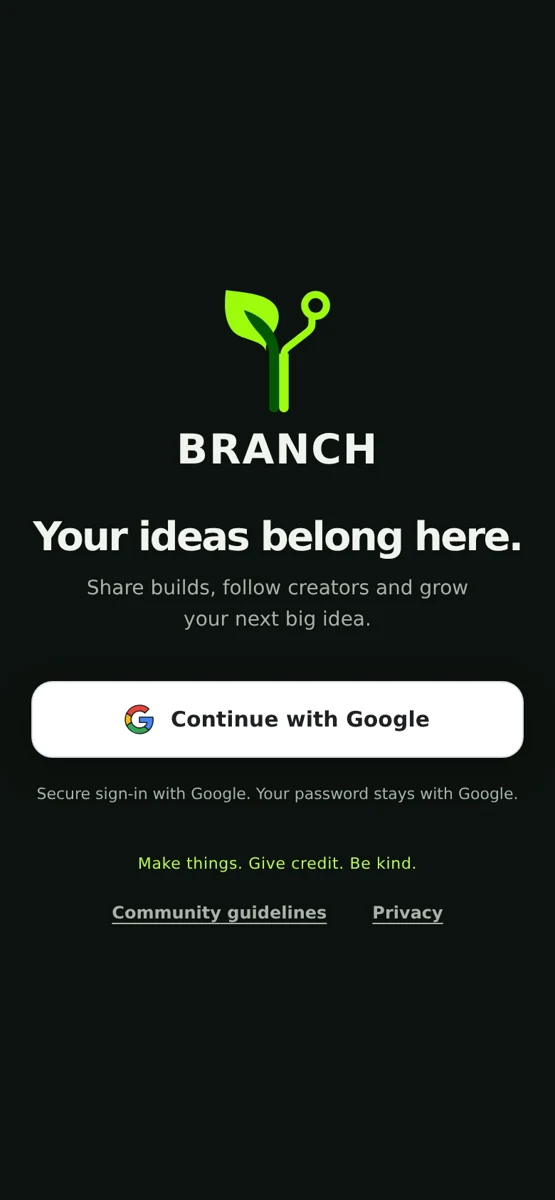
Get BRANCH on your Android phone. It's free to download, and you can start sharing with other makers using Google sign-in.
Download BRANCH 1.3.2QUICK SETUP
BRANCH is currently distributed directly, rather than through Google Play. Your phone will ask you to allow the installation.
Tap the green download button on this page from your Android phone.
If Android asks, enable Allow from this source for the browser or Files app you used.
Choose Install, open BRANCH, and sign in to start exploring other builders.
GOOD TO KNOW
The APK works on Android only. An iPhone version is in development and cannot be installed with an APK. Please don't use sites that claim to convert this Android APK into an iPhone app.
Yes. This early access version is free to download. BRANCH currently needs an internet connection for shared posts, follows and comments.
No. If you already have an earlier compatible BRANCH installation, install this signed APK over it to preserve your existing local data. Don't uninstall first.
Apps downloaded outside Google Play require extra permission from the specific browser or file manager you used. Only allow installation if you trust the source, and leave Google Play Protect enabled.
The file has a SHA-256 checksum shown below. You can compare it with a checksum calculated on the downloaded APK to make sure the file is unchanged.
BRANCH 1.3.2 · Android 8.0+ · Published as an early-access build
4f8a8a406741d0836249e816fa28ceb04c2d4f1f2f9f7b7c019ef9e1854dda84